



by DeeDee Walsh, on Apr 4, 2026, 4:28:07 PM
What We've Learned Migrating Billions of Lines of Visual Basic
By GAPVelocity AI: the team behind the Visual Basic Upgrade Companion (VBUC), the Microsoft VB6 Upgrade Wizard, VB6 AI Migrator, and two decades of enterprise VB6 modernization.
Visual Basic 6 shipped in 1998 (side note: I was a VB6 product manager and yes, I'm flexing my VB6 street cred 😜). Twenty-eight years later, it still runs revenue-critical systems in healthcare, finance, logistics, and manufacturing, systems that process millions of transactions daily across hundreds of enterprises worldwide.
We know this because we've been modernizing VB6 applications longer than anyone. Our team built the original Visual Basic Upgrade Wizard for Microsoft, first as ArtinSoft, then as Mobilize.Net, and now as GAPVelocity AI. Over that time, we've converted billions of lines of VB6 code to .NET. Not in theory. In production.
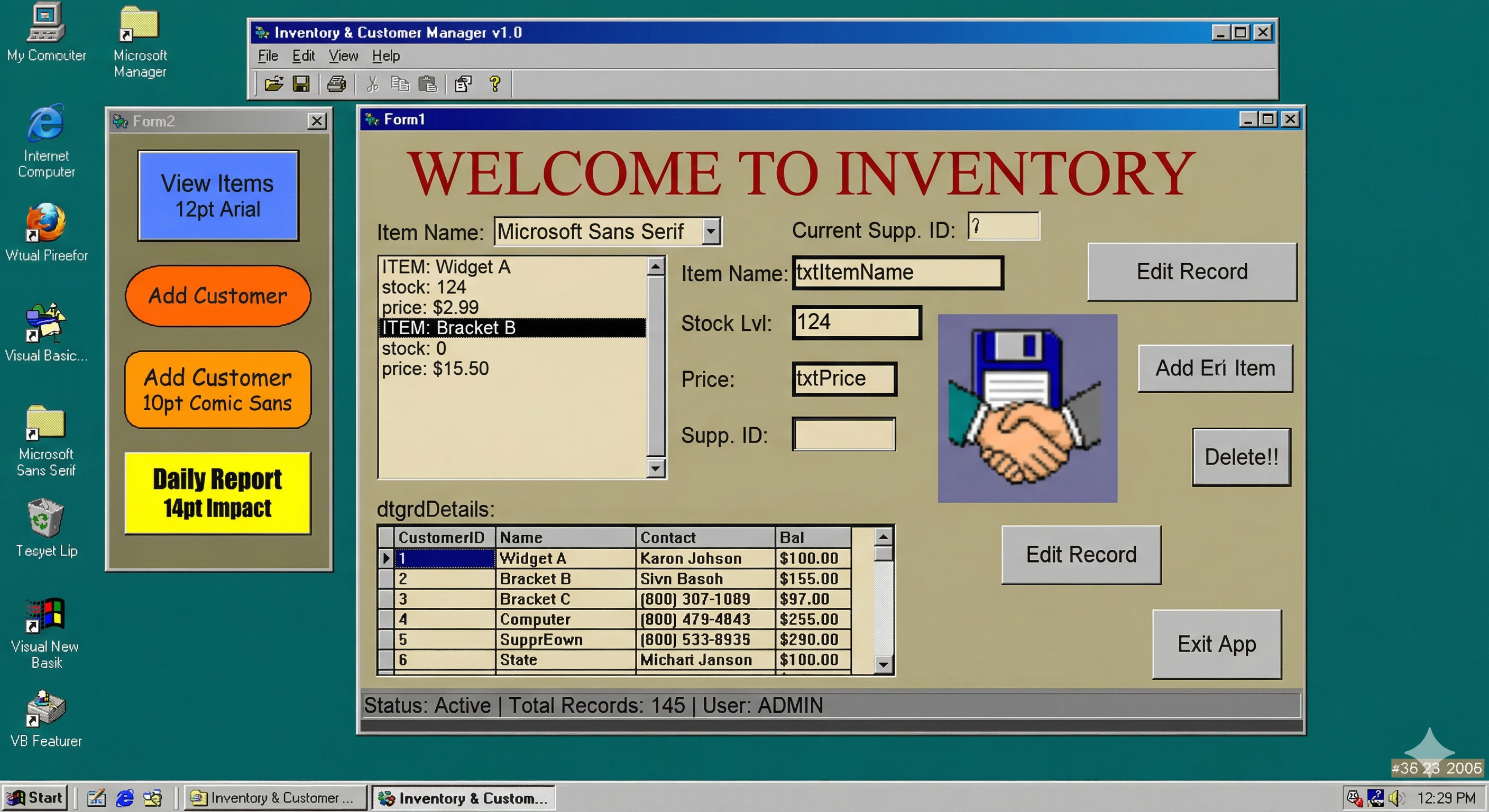 Remember when this was state-of-the-art app design??
That experience has taught us things that don't fit neatly into the "5 Steps to Migrate VB6" blog posts that flood your search results. The big challenges in VB6 modernization aren't the ones you find on page one of a Google search. They're the ones you discover at 2 a.m. on month four of a project that was supposed to take three.
This post is for the technical leaders who are past the "should we modernize?" question and into the "how do we actually do this without destroying the business?" question.
The conversion is the easy part. Understanding the code is the hard part.
Most articles about VB6 modernization focus on the syntax gap between VB6 and .NET. Yes, it exists. Yes, it matters. But it's not where projects fail.
VB6 projects fail at the comprehension layer.
In a typical enterprise VB6 application, 40 to 60 percent of the business logic is embedded inside UI event handlers. That's how VB6 was designed. The Rapid Application Development paradigm encouraged developers to wire business rules directly into button clicks, form loads, and grid events. The code compiles. The code runs. But no one, sometimes not even the original developers, can tell you what a given form is actually deciding.
A published case study from the SiS Austrian ERP migration (950,000 lines of VB6, 8,350 person-hours) quantifies this directly: testing and code review consumed 56% of total project effort. Code conversion consumed 44%. The expensive work was not writing new code. It was understanding and verifying the old code's behavior.
This is why any modernization approach that starts with "run the tool" is starting in the wrong place. You need to understand what the application does, not just what it says, before a single line of code gets translated.
At GAPVelocity, this is why we built ByteInsight, our static code analysis AI, as a prerequisite to the migration itself. The assessment isn't a sales exercise. It's an engineering requirement.
The five technical challenges that actually derail VB6 migrations
We've reviewed hundreds of failed and stalled VB6 modernization projects. Not our projects but projects that come to us after someone else has tried and hit a wall. The failure patterns cluster into five recurring categories.
1. ActiveX and COM component graveyards
Every enterprise VB6 application relies on COM components and ActiveX controls. The problem isn't that these components exist. The problem is that many of the vendors who created them no longer do.
The VSFlexGrid you licensed in 2001? The vendor may have been acquired twice since then. The custom OCX your contractor built in 2003? The source code may not exist anymore. Microsoft explicitly disclaims support for third-party ActiveX components, and .NET's COM Interop layer, while functional, was designed as a bridge, not a foundation.
We've cataloged hundreds of ActiveX-to-.NET component mappings over two decades of migrations. Our VB6 AI Migrator automatically identifies and maps legacy controls to modern .NET equivalents, including WinForms, Telerik, DevExpress, Syncfusion and GrapeCity components. The controls that have no equivalent? We've built .NET replacements for the most common ones, so you're not starting from scratch.
What to do: Inventory every COM and ActiveX dependency before writing a migration plan. Not after. Not during. Before. If your assessment tool doesn't produce a complete dependency map with vendor status and .NET equivalent recommendations, it's not a real assessment.
2. Data access spaghetti
VB6 applications typically use ADO, DAO, or RDO for database access, often all three in the same application, depending on which developer built which module and when. These aren't just different APIs. They represent fundamentally different data access patterns.
The deeper problem is where the SQL lives. In well-architected VB6 applications, data access is centralized in modules or classes. In most real-world VB6 applications? SQL strings are scattered across forms, concatenated from user input, built dynamically with string operations, and occasionally hard-coded into places that will make you question your career choices.
Migrating ADO to ADO.NET or Entity Framework Core is mechanically straightforward. Migrating 4,000 SQL strings that are assembled at runtime from fragments spread across 200 forms is not.
What to do: The VB6 AI Migrator handles the mechanical conversion from ADO/DAO/RDO to ADO.NET, including connection management and recordset patterns. But the architecture cleanup, consolidating scattered data access into a proper repository or service layer, is where the real modernization happens. Plan for it. Budget for it.
3. The Variant type bomb
VB6's Variant type was simultaneously its greatest productivity feature and its worst architectural decision. Variants accept anything: integers, strings, objects, arrays, dates, Null, Empty, Nothing. VB6 developers used them everywhere because they worked and they were fast to write.
.NET doesn't have Variants. It has object, which is superficially similar but behaves completely differently in practice. The conversion from Variant to a strongly-typed .NET equivalent requires understanding what each Variant actually contains at runtime, not just what it's declared as.
Here's the scenario that breaks naive migration tools: a Variant variable that holds an integer in one code path, a string in another, and a recordset in a third. The tool converts it to object. The code compiles. Then it throws InvalidCastException in production because the downstream code was implicitly relying on VB6's automatic type coercion rules, which .NET doesn't replicate.
Our VB6 AI Migrator uses static analysis to resolve Variant types wherever possible, tracing data flow across modules, forms, and class boundaries to determine the actual runtime type. The variables that can't be statically resolved get flagged for human review, not silently converted to object and left as runtime landmines.
What to do: Don't let your migration tool sweep Variants under the rug. Every unconverted Variant is a production defect waiting to deploy. Demand explicit reporting on which variables were resolved and which weren't.
4. Error handling inversion
VB6 uses On Error GoTo and On Error Resume Next. .NET uses structured exception handling with Try/Catch/Finally. These aren't just different syntax. They represent different error handling philosophies.
The subtle killer is On Error Resume Next. In VB6, this is commonly used as a "try and see" pattern: attempt an operation, check if it failed, continue. VB6 developers rely on this heavily in scenarios where failure is expected: checking if a file exists, testing a database connection, parsing user input.
A mechanical conversion wraps every statement after On Error Resume Next in its own Try/Catch block. The result is technically correct and practically unreadable. You'll end up with methods containing 30 nested Try/Catch blocks where the original VB6 had two lines.
Worse, On Error Resume Next in VB6 can mask bugs that propagate silently. When you convert to structured exceptions, those previously silent failures start throwing exceptions that nobody expected because nobody knew they were happening.
What to do: Error handling conversion requires human judgment. Our approach is to convert the mechanical patterns automatically (and we've seen every pattern after billions of lines), then flag the On Error Resume Next instances that need architectural decisions. The goal isn't to replicate VB6's error handling in .NET. It's to replace it with error handling that's actually correct.
5. Architecture that assumes sub-millisecond latency
VB6 applications were designed for desktop deployment on a LAN. They open a database connection, fire 50 queries while painting a form, close the connection, and do it again on the next screen. At sub-millisecond LAN latency, this works fine. The user never notices.
Migrate that same pattern to a web-hosted application with even 20ms of network latency, and every form load takes 10 seconds. The code is functionally correct. The user experience is completely broken.
This is where the "just convert the code" philosophy falls apart. If the target is WinForms on a desktop, the existing data access patterns may be tolerable. If the target is Blazor or ASP.NET Core, and it increasingly is, the entire data access and rendering architecture needs to change. Chatty database calls need to be batched or cached. Synchronous form painting needs to become asynchronous. Screen-level state management needs to be rethought.
What to do: Define your modernization target architecture before you start converting code. If the destination is web or cloud, budget for the data access refactoring that makes your application actually usable at network latency. This isn't optional. It's the difference between a migration that delivers value and one that delivers a slow application that nobody wants to use.
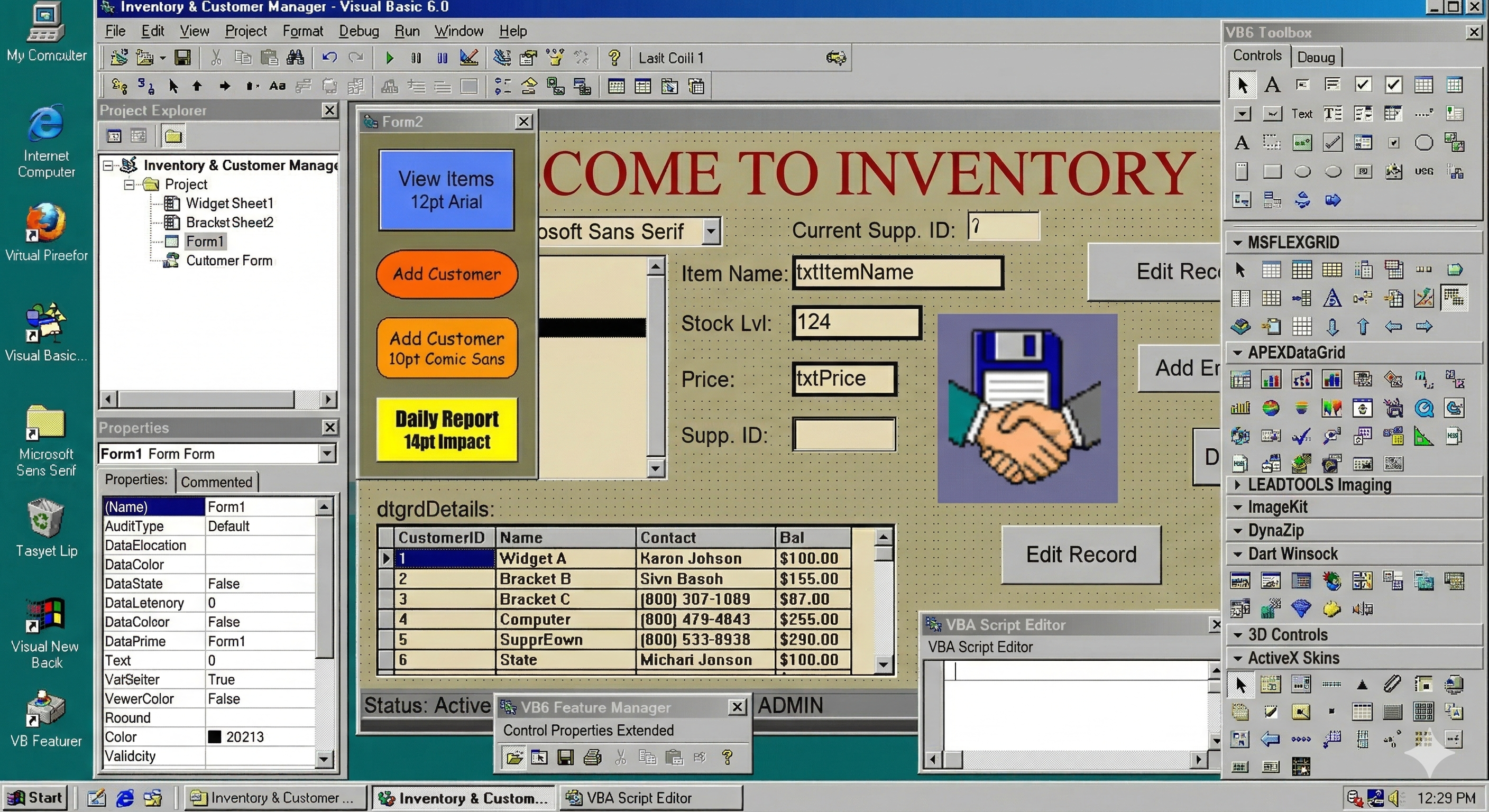 Not gonna lie; I still get a little sentimental over this IDE
Why "just use Claude" doesn't work for enterprise VB6
We hear it in almost every prospect conversation now: "Can't we just use AI to rewrite it?" It's a reasonable question in 2026. It's also a question that reveals a misunderstanding of the problem.
General-purpose AI tools can translate VB6 syntax to C# syntax. They do it reasonably well for isolated functions. They fail at enterprise scale because they can't hold the full dependency graph in context. They don't understand your COM component inventory. They can't trace a Variant variable across 47 modules to determine its runtime type. They have no model for your specific ActiveX control mappings or your data access architecture.
We've seen organizations try the DIY AI approach and hit what we call the 70% wall: the first 70% of the conversion feels fast and impressive, then the remaining 30%, the part that requires deep understanding of VB6 runtime behavior, COM interop semantics, and application-specific business logic, takes longer than the whole project was supposed to.
The VB6 AI Migrator uses agentic AI that's been trained on our two decades of migration-specific patterns, component mappings, and conversion rules. It's not general-purpose code translation. It's purpose-built VB6-to-.NET conversion combined with human-in-the-loop validation for the decisions that require understanding, not just translation.
The modernization methodology that works
After hundreds of VB6 modernization projects, our methodology has consolidated into a repeatable process:
Assessment first. ByteInsight scans the entire VB6 codebase and produces a dependency map, complexity analysis, component inventory, and migration roadmap with time and cost estimates. This is how you know what you're dealing with before you commit budget.
Functional equivalence before re-architecture. Get a working .NET version first. Resist the urge to redesign while migrating. That's how projects double in scope and never ship. The VB6 AI Migrator produces clean, idiomatic .NET code (C#, VB.NET, or Blazor) that preserves existing business logic. You refactor from a working baseline, not from a half-converted codebase.
Automated conversion for the 80%. Our Hybrid AI technology combines generative AI, agentic AI, and deterministic semantic pattern matching. The deterministic layer handles the patterns we've seen a million times with 100% accuracy. The AI layers handle novel patterns and complex transformations. Human engineers handle the decisions that require judgment.
Testing at every step. We automate regression testing to validate functional parity between the VB6 original and the .NET output. This isn't "run it and see if it works." It's structured verification that the new application produces the same outputs as the old one for the same inputs.
Who we are and why it matters
GAPVelocity AI isn't a startup that decided to tackle VB6 modernization last year. Our team created the Visual Basic Upgrade Wizard that shipped with Visual Studio. We built the Visual Basic Upgrade Companion (VBUC) that Microsoft still recommends on MSDN (now Microsoft Learn) for decades. We've been ArtinSoft, then Mobilize.Net, and now GAPVelocity AI. The names changed as the technology evolved from deterministic tools to hybrid AI, but the team, the expertise, and the migration engine are continuous.
Today, the VB6 AI Migrator represents the current generation of that technology: now with Visual Studio 2026 support, .slnx solution file generation, and output targeting up to .NET 10 with WinForms or Blazor. Applications as large as 5 million lines of code have been migrated fully in months, not years.
What's next: VELO for VB6
Everything we've described above: the assessment, the conversion, the testing, the architectural decisions has historically been a series of discrete steps coordinated by humans. The assessment tool runs. A human reads the output. The migration tool runs. A human reviews the code. The test suite runs. A human triages the failures. Each handoff introduces delay, context loss, and cost.
VELO changes that.
VELO is our agentic AI modernization platform, built on Microsoft Azure AI Foundry, and it's coming to VB6. Instead of separate tools strung together with human coordination, VELO orchestrates the entire modernization lifecycle through four purpose-built AI agents that work together:
Scout analyzes your VB6 codebase at depth, not just file counts and dependency lists, but the actual architecture: where business logic lives, which modules are tightly coupled, where the COM dependencies create risk, and how complex each component really is. Scout produces the kind of assessment that used to take our senior engineers weeks. It does it in hours, and it does it with the pattern knowledge from two decades of VB6 migrations baked in.
Architect takes Scout's analysis and generates the modernization blueprint including the target architecture, the migration sequence, the component mapping strategy, and the risk mitigation plan. Architect doesn't just recommend ".NET 10 with Blazor." It recommends how to decompose your specific application, which modules to migrate first based on dependency order, and where the refactoring hotspots are going to be.
Translation handles the code conversion itself, powered by the same hybrid AI engine behind the VB6 AI Migrator but now operating within the full context that Scout and Architect have established. Translation doesn't convert code in isolation — it converts with knowledge of the target architecture, the component mappings, and the business logic boundaries that the upstream agents have identified. The result is cleaner, more architecturally sound .NET code from the first pass.
Quality validates the output continuously, not as a gate at the end, but as a participant throughout the process. Quality runs automated functional parity tests, flags behavioral differences between the VB6 original and the .NET output, and triages issues by severity so human engineers focus on the decisions that require judgment rather than hunting for regressions.
The difference between a traditional migration workflow and VELO is the difference between four separate teams that exchange documents and a single integrated team that shares context in real time. Each agent's output feeds directly into the next agent's work. The context that Scout surfaces about your COM dependencies flows through to Translation's component mapping decisions and Quality's test coverage priorities. Nothing gets lost in handoffs because there are no handoffs.
For enterprise VB6 modernization, this means faster time to Beta Ready the milestone where your .NET application compiles, passes functional parity tests, and is ready for your team to refine and deploy. VELO compresses the timeline from assessment to Beta Ready because the agents work in concert rather than in sequence, and because every decision is informed by the full picture rather than a partial view.
We're bringing VELO to VB6 because VB6 modernization is where we have the deepest pattern library, the most battle-tested component mappings, and the most comprehensive understanding of what goes wrong and how to prevent it. Two decades of migration expertise, now orchestrated by agentic AI.
If you're managing a VB6 codebase and you're past the "should we?" stage, start with a free assessment. ByteInsight will tell you exactly what you're dealing with.
GAPVelocity AI is the AI modernization business unit of Growth Acceleration Partners (GAP). We modernize legacy applications using agentic AI on Microsoft Azure, including VB6, PowerBuilder, Microsoft Access, ASP, and WebForms.

