

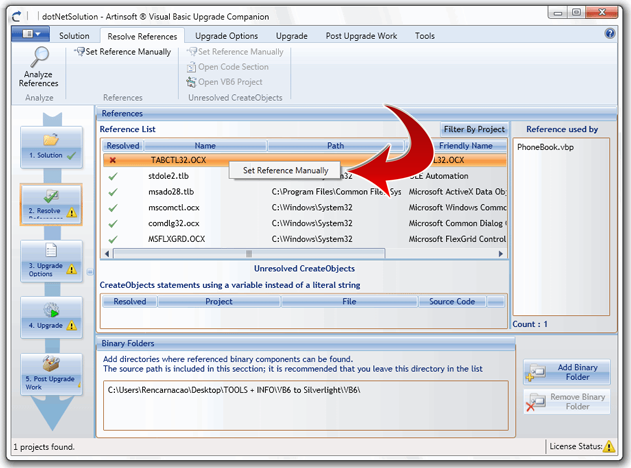
In the Resolve References tab, you can review the warnings and their corresponding suggestions. The “Unresolved CreateObjects” section will show one or more projects that currently have that warning. By right-clicking on the corresponding references that are marked with the red "X" in the "Resolved" column, you can resolve the reference manually
Several warnings can be selected on the Warnings grid and to be solved together using their corresponding suggestions. A confirmation of the actions will be shown for each one of the selected warnings.
3. Create a new Upgrade Solution
4. Resolve Warnings
5. Start the Automated Upgrade
VB6 AI Migrator Quick Start



